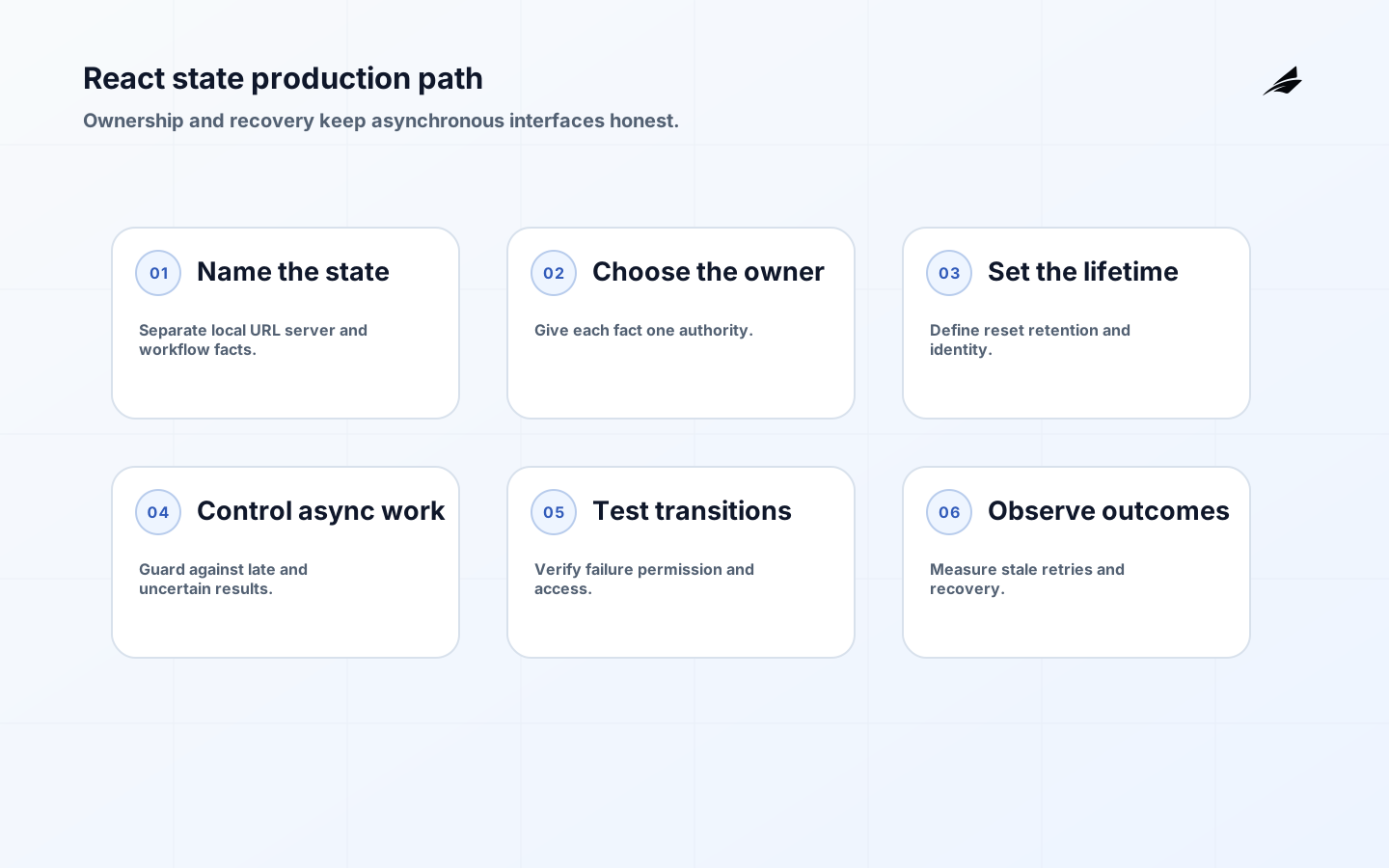
React state design changes character in production because a screen is no longer judged only by whether it renders after a click. It must remain understandable when a user changes filters quickly, a request arrives out of order, an account loses permission, a browser restores an old tab, or a save succeeds on the server while the response is interrupted. The core decision is ownership: which layer is authoritative for a fact, which layer may derive a view, and which layer handles uncertainty. React’s Managing State guidance is a useful foundation, but a production team must add contracts for data freshness, recovery, accessibility, and support.
Model the state that users actually experience
Start with a representative screen rather than a library comparison. Draw the path from URL or user intent through local draft, server request, domain decision, and visible result. Mark which values survive navigation, which can be recomputed, and which must be retained for an audit or support conversation. A filter in the URL, a draft in a form, and a customer record in a server cache are different kinds of state even when they appear together in one component.
Define the user-visible states explicitly: initial, loading, refreshing, ready, empty, stale, error, unauthorized, and saving. A screen that uses one boolean such as isLoading cannot explain whether it has old data while a refresh runs or whether a save is uncertain. Pair the implementation decision with React state design for custom software when a broader application boundary needs review.
| State kind | Typical authority | Lifetime and risk |
|---|---|---|
| Ephemeral interaction | Component or nearby hook | Short-lived; safe to recreate if focus and input are preserved |
| Form draft | Form boundary or route | Lives until submit, reset, navigation, or explicit recovery |
| URL state | Router or navigation contract | Survives reload and sharing; validate and normalize input |
| Server record | Query cache plus server | Freshness and invalidation matter; never treat a stale view as authority |
| Workflow status | Domain service or durable operation | Needs explicit pending, failure, retry, and reconciliation semantics |
Give each fact one authoritative owner
Use React’s Choosing the State Structure material when reviewing whether a value is redundant, contradictory, or better derived. For teams using a shared reducer or store, Redux’s structuring reducers guidance adds practical advice on predictable updates, immutable data, and boundaries for shared behavior. These references help a review stay focused on state shape and evidence rather than on the popularity of a particular library.
The most expensive state bugs begin with a fact copied into props, local state, a global store, and a remote cache. Each copy creates a synchronization question. Keep one authoritative value and derive the rest. If a user edits a profile name, the draft can be local until submission; after success, the server response or invalidation should establish the next authoritative value. Do not update a global record optimistically and then let an older request overwrite it without a version or intent check.
Choose a lifetime that matches the user promise
State lifetime is a product decision. A search filter may survive a route change because returning to the list should preserve context. A payment confirmation must not survive a new account selection. A dismissed hint can live in local storage only if the product can safely forget it. Write the reset rule beside the state owner. React’s Preserving and Resetting State material is a helpful reference for how component identity affects lifetime, but the business meaning still belongs in the application model.

Use stable identity for entities and deliberate keys for genuinely different records. If a form for customer A is reused for customer B, decide whether a key should reset the draft or whether the draft should migrate. Do not rely on incidental component position to preserve sensitive or consequential state. Test navigation, account switching, back-forward cache, and restore-from-refresh behavior because those are where an accidental lifetime becomes visible.
Derive values instead of synchronizing them after render
If a value can be computed from current props and state, compute it during render. Examples include filtered rows, a total from line items, a validation summary, or a button-disabled decision. The You Might Not Need an Effect guidance explains why effect-driven derivation creates an extra render and can briefly expose stale output. Use an effect when the component must synchronize with an external system such as a subscription, browser API, imperative widget, or network request—not as a general place to keep two values aligned.
When derivation is expensive, memoize for a measured reason and keep the source of truth unchanged. A memo is a performance aid, not a business cache. Document the inputs that invalidate it and test empty, partial, and permission-filtered data. This discipline keeps a view explainable when a user asks why a total or action state changed.
Make asynchronous races and failures visible
Requests create time as another dimension of state. Give each request an intent or key, cancel work when appropriate, and prevent a response for an old filter or account from replacing the current view. Distinguish no data from not yet loaded, known error from uncertain outcome, and stale data from current data. A retry button should say what it retries and whether repeating the action can create a second business effect.
| Situation | Unsafe UI behavior | Safer production contract |
|---|---|---|
| Filter changes quickly | The first response replaces the later selection | Associate responses with the active query and discard or reconcile stale results |
| Save times out | The UI says failed and invites a blind duplicate submit | Show uncertain status, use an idempotent operation, and offer status or reconciliation |
| Permission changes | The old record remains actionable | Revalidate authority at the server and show a clear read-only or denied state |
| Background refresh | A spinner hides useful old data | Keep old data with a refreshing indicator and define staleness |
| Partial failure | One missing panel makes the whole screen blank | Represent independent loading and error states with a safe next action |
Test the state machine through user-visible behavior
Unit tests for reducers and selectors are useful, but they do not prove that a screen communicates the right state after a late response or denied action. Test critical journeys through the UI and its boundary: loading to ready, ready to empty, refresh with old data, validation, retry, permission loss, duplicate submission, and navigation away during work. A Node.js API production guide helps align the client’s states with the server’s actual contract instead of inventing a local interpretation.
Include accessibility in state transitions
State changes can be inaccessible even when the static screen passes a scan. Move focus deliberately after a route-level error, associate validation with the field that needs correction, announce a meaningful completion or failure, and avoid replacing the entire region while a user is reading. Use semantic controls and preserve keyboard position where content refreshes. The Redux style guide’s emphasis on predictable updates complements React’s local state guidance, but accessibility acceptance still needs a task-specific check.
Observe state behavior after release
Instrument outcomes, not every render. Record route or operation name, result category, latency, retry count, stale-response drops, error boundary events, and safe correlation identifiers. Do not log sensitive form values. A spike in retries may indicate a server problem, but a spike in stale-response drops may show a client interaction pattern that needs debouncing or a different query boundary. Review support contacts alongside telemetry; users often describe state bugs as “the page forgot my work” or “it said done, then changed.”
Release a state change in a bounded slice. Compare the new path with the old one using a small cohort, feature flag, or route-level rollout, and decide in advance which signal pauses expansion. Keep rollback compatible with drafts and cached data. The production state model is complete only when an operator can identify what happened and a user can recover without refreshing blindly.
State decisions also touch the surrounding architecture. A list that appears instant may depend on a frontend performance review, while a form that cannot explain a record version may need the database schema production guide. Review those boundaries together when a UI begins to carry more business responsibility. The goal is not to move every fact into one layer; it is to make the handoff between client state, API behavior, and durable data clear enough that a late result can be explained and corrected.
React state design takeaways
- What is the authoritative owner for each important fact?
- Which values are derived, cached, URL-visible, or temporary?
- What does the user see when work is pending, stale, denied, or uncertain?
- How are late responses, duplicate submissions, and navigation handled?
- Which test and production signal proves that the state contract still holds?
React state design questions
Should all state live in a global store?
No. Globalize only state that genuinely crosses boundaries and needs shared lifetime or coordination. Local interaction and form draft state is often clearer near the component. Server data needs a deliberate cache and invalidation policy, not automatic promotion into a global object.
How do we decide whether an effect is justified?
Name the external system being synchronized. If there is no browser API, subscription, imperative widget, or network boundary, the value may be derivable during render or handled by an event. This question makes accidental synchronization visible in review.
What is the best response to a late request?
Keep the request’s identity, compare it with current intent, and discard or reconcile the response when it no longer applies. For business actions, add server-side idempotency or a status lookup so the client does not turn an unknown result into a duplicate.
Conclusion: make state behavior explainable
Production React state design is the discipline of keeping ownership, lifetime, derivation, asynchronous work, and recovery understandable. Start with the user-visible state machine, give each fact one authority, test the awkward transitions, and instrument outcomes that support action. The payoff is not fewer hooks by itself; it is an interface people can trust when the network, data, or context changes.