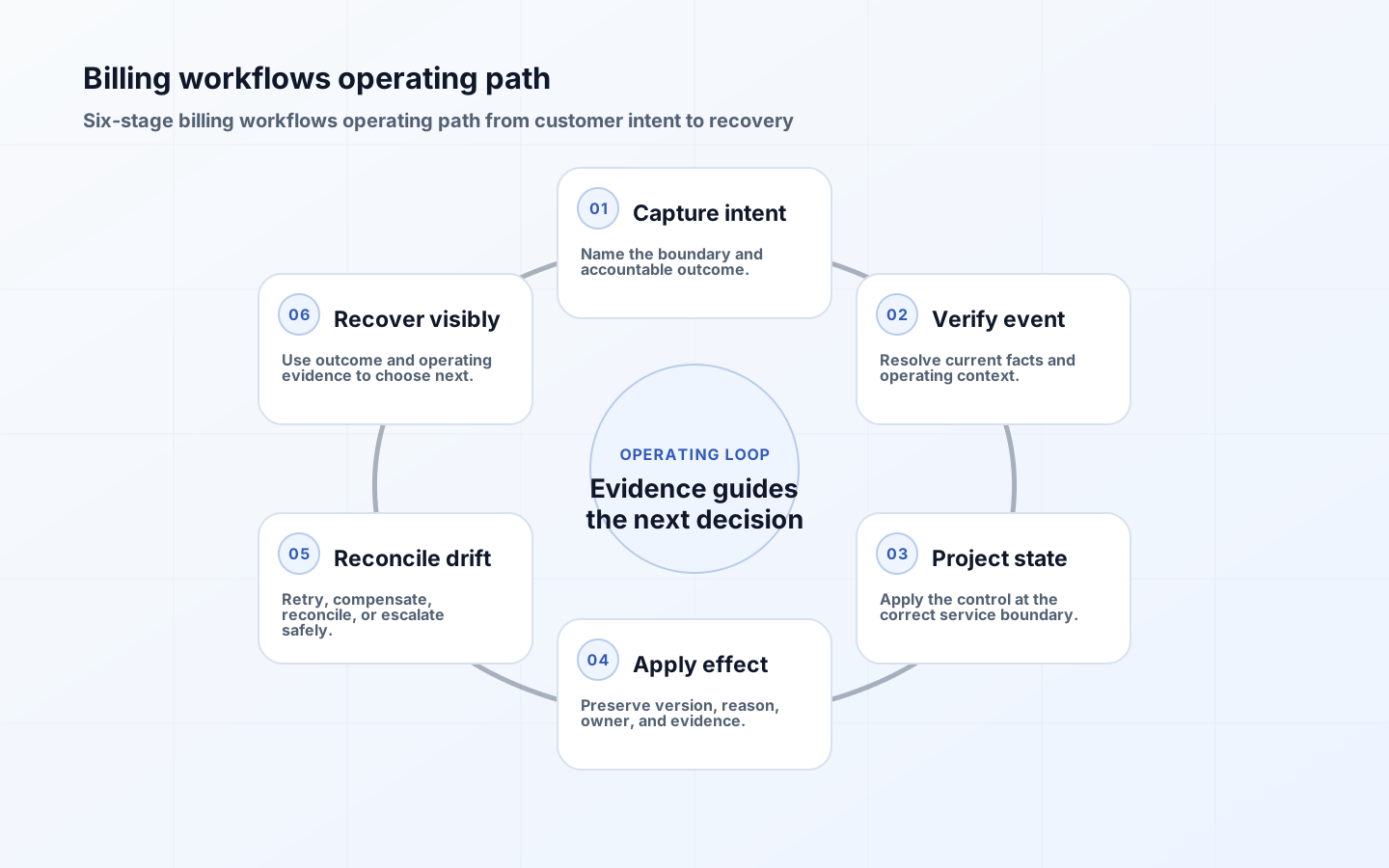
A paid-but-locked-out incident occurs when the commercial record says a customer bought access but the product denies the corresponding capability or limit. The visible symptom may be a missing seat, a disabled export, an unexpected upgrade screen, or a workspace that remains on an older plan. The repair must establish what was purchased, what event was accepted, what entitlement was projected, and what the protected service enforced. Editing one status field may hide the mismatch while leaving the next webhook, renewal, or reconciliation run able to recreate it.
Confirm the billing-entitlement mismatch
Start from a customer-safe identifier such as workspace ID, account ID, or invoice reference. Correlate four records: the commercial agreement, the provider subscription or invoice, the processed provider event, and the current product entitlement. Then inspect one denied protected action. This sequence distinguishes a failed payment, an unprocessed event, a projection defect, a stale cache, an authorization error, and a customer using the wrong workspace.
Do not ask support to collect card details, secrets, or full webhook payloads. Provide a restricted diagnostic view that shows safe identifiers, effective times, plan or price mapping version, event-processing state, entitlement version, override state, and the last authorization reason. Sensitive payment data remains with the provider, while the evidence needed to explain product access stays available to the people responsible for recovery.
| Evidence | Question | Mismatch signal |
|---|---|---|
| Commercial agreement | What did the customer buy and when? | Plan, quantity, or effective date differs from the provider record. |
| Provider event | Was the relevant signed event accepted once? | Event is missing, rejected, delayed, duplicated, or older than the applied state. |
| Entitlement projection | What capability and limit were produced? | Mapping version or projected value does not match the agreement. |
| Protected action | Why did the service allow or deny? | Decision used a stale entitlement, wrong workspace, or unrelated policy. |
Contain customer impact without corrupting history
If the purchase is verified and the blocked capability is low risk, a time-bound entitlement override may restore service while engineering repairs the projection. Record the approver, reason, workspace, exact capabilities, limit, start time, expiry, and ticket. Keep the override separate from provider-derived state so replay and reconciliation can still reveal the original defect. High-cost, regulated, or security-sensitive capabilities may require a narrower workaround or additional approval.
Tell the customer what is known, what remains uncertain, whether a temporary access path is active, and when the next update will arrive. Avoid claiming that billing is fixed when only access was temporarily restored. Support, finance, and engineering should see the same incident status so the customer does not receive three incompatible explanations.
Reconcile commercial, event, entitlement and access state
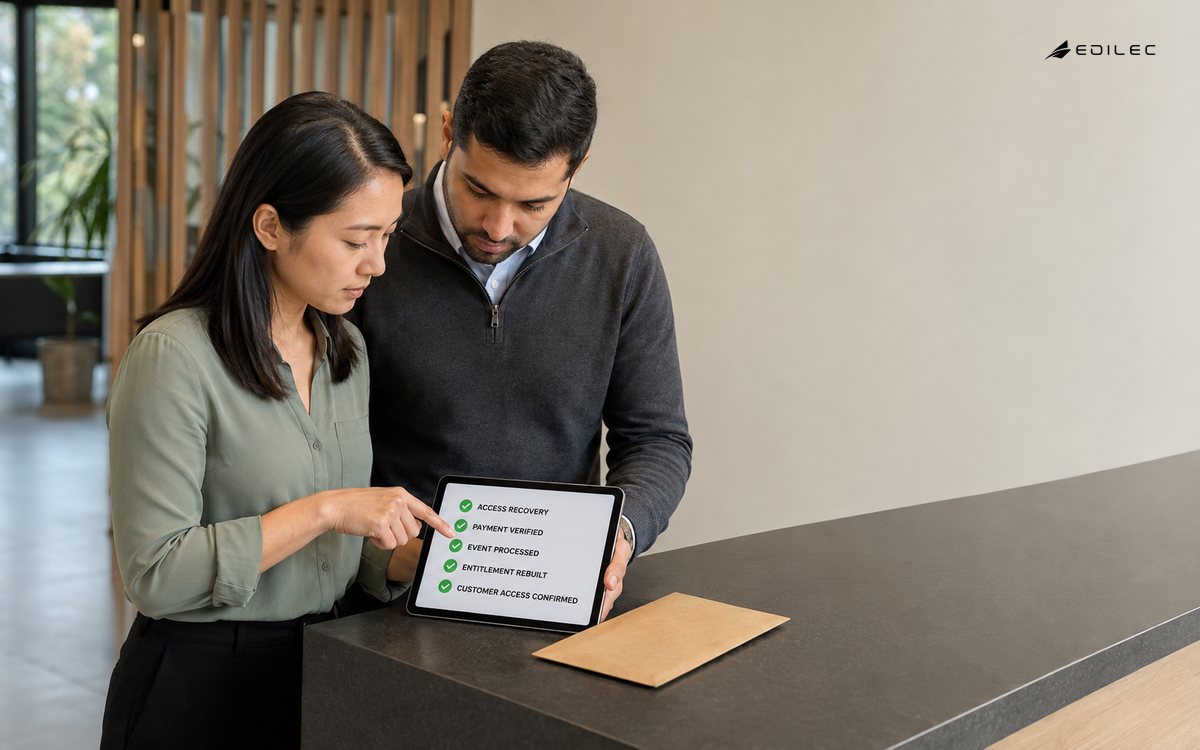
- Freeze the incident scope by workspace, capability, provider object, and effective time.
- Verify the commercial record and signed provider event without trusting delivery order.
- Compare the event processor checkpoint and mapping version with the entitlement projection.
- Inspect the protected service decision, including workspace, capability, limit, and policy version.
- Apply a replayable correction or narrow expiring override, then reconcile side effects.
- Confirm the customer can complete the intended action before closing the incident.
Reprocessing should be idempotent. Store the provider event ID, source version, projection version, and correction result. A replay may rebuild an entitlement, but it must not create a second charge, duplicate seat allocation, or repeat a downstream notification. If the original event was valid but a mapping was wrong, run the corrected mapping against a bounded cohort first and compare the proposed changes before committing them.
| Observed state | Likely cause | Safe next action |
|---|---|---|
| Payment succeeded; event absent | Delivery, endpoint, signature, or routing failure. | Retrieve the authoritative event, verify it, and process idempotently. |
| Event processed; entitlement unchanged | Mapping, ordering, or projection failure. | Replay the projection with the correct mapping and compare the resulting state. |
| Entitlement correct; action denied | Wrong workspace, stale cache, or authorization defect. | Trace the protected decision and invalidate only the affected derived state. |
| Access restored; records disagree | Temporary override or incomplete reconciliation. | Keep the case open until commercial and entitlement records converge or an approved exception remains. |
Repair the state and verify its side effects
A repaired entitlement may affect usage limits, scheduled jobs, API tokens, team invitations, feature flags, invoices shown inside the product, and renewal communication. Identify which consumers cache or copy entitlement data and how they learn about a correction. Prefer a versioned entitlement event or explicit invalidation over asking operators to clear several stores manually.
For quantity changes, compare purchased, projected, reserved, and consumed values. A workspace that paid for ten additional seats may still be blocked if existing invitations reserve capacity differently from active memberships. State the counting rule in product language and retain enough detail for support to explain the number without querying private implementation tables.
Close the technical repair only after the customer-visible action succeeds, the reconciliation queue is clear or explicitly owned, the temporary override is removed or approved for a defined term, and finance can explain any adjustment. If the customer paid for time they could not use, route compensation through an approved commercial process rather than hiding it inside the entitlement fix.
Monitor billing-access recovery as a customer outcome
Track provider-event lag, signature failures, unprocessed events, projection failures, entitlement age, unexpected denials after payment, access retained after cancellation, override age, and open reconciliation differences. Connect these signals with support categories such as paid but locked out, wrong limit, cancelled but active, or duplicate charge. OpenTelemetry guidance helps connect traces, metrics, and logs, but the service owner must still define the customer consequence and escalation threshold.
| Recovery test | Expected result | Evidence |
|---|---|---|
| Duplicate provider delivery | The commercial effect and entitlement change happen once. | Event ID and idempotency outcome. |
| Out-of-order cancellation and renewal | The effective commercial sequence wins over arrival order. | Provider timestamps, applied version, and projection record. |
| Projection code rollback | The last trusted mapping can rebuild affected entitlements. | Cohort comparison and replay result. |
| Temporary override expiry | Access follows the repaired entitlement or returns to a reviewed safe state. | Override owner, expiry event, and final authorization decision. |
Paid-but-locked-out runbook checklist
- Use safe identifiers to join the agreement, provider event, entitlement, and denial.
- Separate temporary customer recovery from the permanent state repair.
- Make corrections replayable, idempotent, attributable, and bounded.
- Reconcile cached and downstream consumers after the entitlement changes.
- Verify the customer outcome and remove temporary access before closure.
The broader billing workflows guide explains how to design charges, entitlements, authorization, overrides, and reconciliation as separate responsibilities. This runbook begins later, when those records disagree and a customer has already experienced the consequence.
Conclusion: prove both state recovery and customer recovery
A paid-but-locked-out case is resolved only when commercial evidence, entitlement state, protected-service behavior, and the customer-visible result agree. The durable fix is not a status toggle; it is a traceable correction that survives the next webhook, renewal, deployment, and reconciliation run.