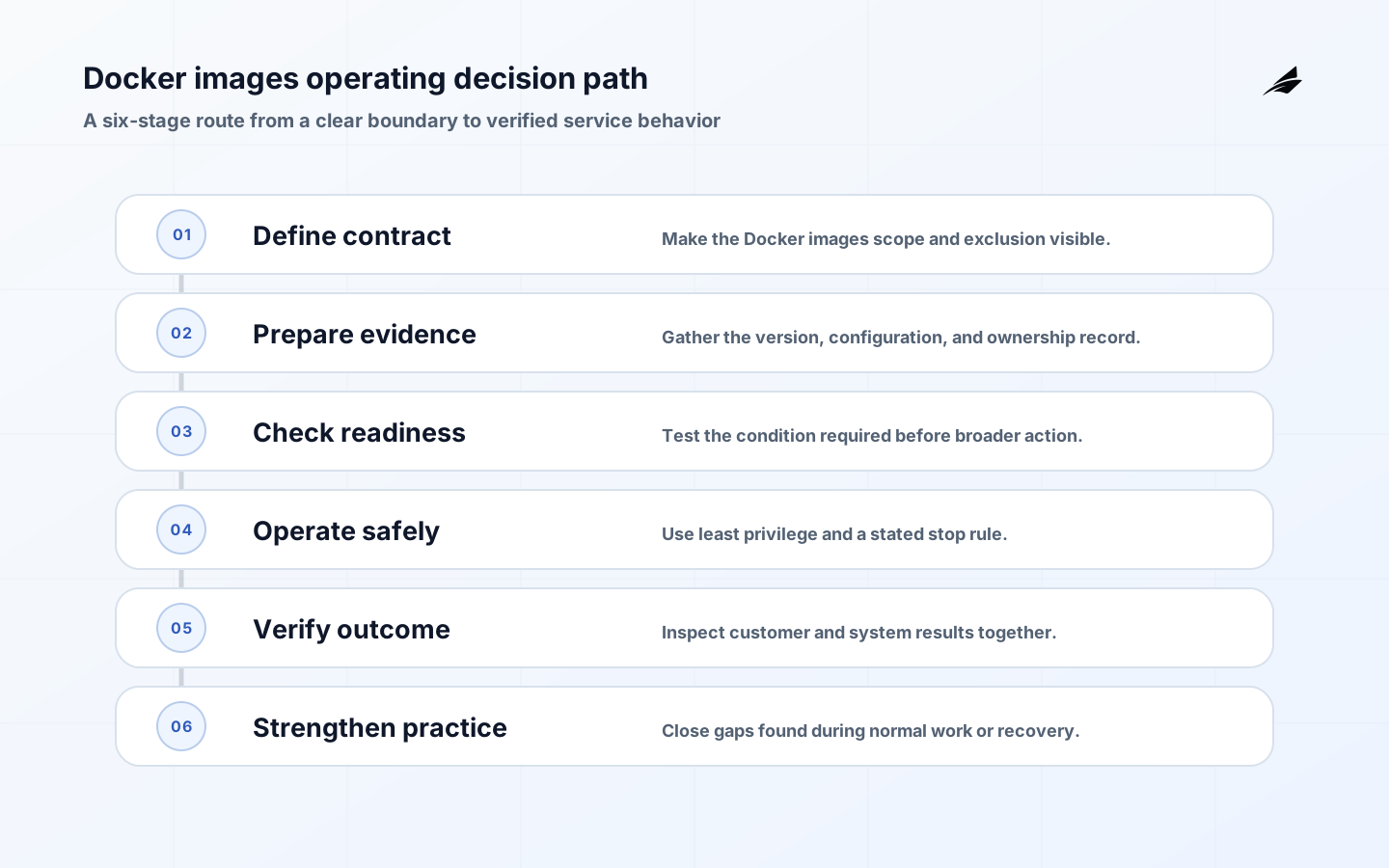
Docker images deserves a plain-language operating model because operations leaders need to make choices that remain understandable after the first implementation. Docker images are immutable filesystem layers plus configuration used to create containers. They are not miniature virtual machines, and a container is not an image: the image is the packaged template while a container is a running instance with a writable layer. That distinction matters in production. Durable business data belongs in a managed data store or declared volume, not inside a container that may be replaced at any moment. A useful image gives an operator a predictable process, a minimal runtime, and an identifiable version.
Key takeaways
- Keep application data outside the container's writable layer.
- Use multi-stage builds to exclude build tools from the runtime image.
- Treat the image digest, not a mutable tag, as the deployment identity.
- Use
.dockerignoreand build-secret facilities to keep sensitive files out of layers. - Run with the least privilege that the process needs.
- Rebuild and assess base images on a deliberate cadence.
What Docker images means in practice
The boundary begins with a source tree and declared build context, then ends at a signed or otherwise traceable image digest in a registry. Inventory what enters the build: base image, language dependencies, build arguments, generated assets, and any build-time secrets. A .dockerignore file is a security and performance control because it prevents unrelated files, credentials, and bulky directories from joining the context. Docker's building best practices recommend multi-stage builds, small trusted bases, regular rebuilds, and explicit exclusions; these are practical choices, not cosmetic polish.
| Decision area | Question to settle | Useful evidence |
|---|---|---|
| Build context | Which files can the builder read? | A narrow context and reviewed .dockerignore. |
| Base image | What runtime starts the image? | Trusted source, pinned identity, and a refresh plan. |
| Runtime user | Which account starts the process? | A non-root or specifically justified user. |
| Artifact identity | What exact package is promoted? | Registry digest linked to source and test evidence. |
An operating model for Docker images
Write the Dockerfile so dependency inputs change less often than application code. Copy lockfiles first, restore dependencies, then copy the source; this lets the build cache reuse the dependency layer when only code changes. Use a builder stage with compilers and test tools, then copy only the runtime output into a separate production stage. Pin a base image by digest where reproducibility matters, while maintaining a deliberate rebuild schedule so known vulnerabilities and upstream fixes are assessed. Run as a non-root user unless the process truly needs elevated privileges, and document the exposed port and health behavior rather than relying on an operator's memory.
A practical implementation path
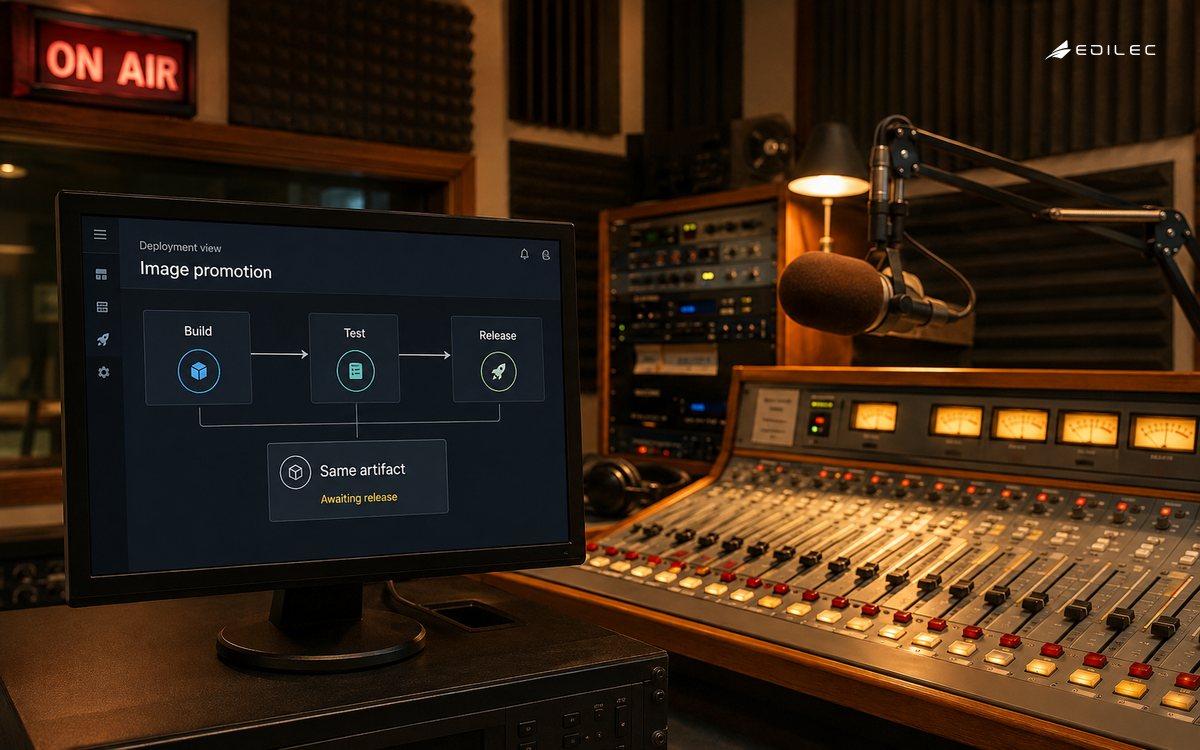
A release candidate should be identified by digest, accompanied by its source revision and dependency manifest, scanned according to the team's policy, and tested as the process it will run in production. Do not use latest as a deployment contract: it describes a moving label, not a particular artifact. A compact Node example is to install production dependencies in a builder stage, run tests there, copy the application and production dependency tree into a slim runtime stage, set USER node, and use an exec-form CMD. The same image can then be promoted by a CI/CD pipeline without recompiling it.
Risks and controls to make explicit
The common failures are oversized contexts, secrets embedded in layers, unreviewed base-image drift, and applications that assume local writable storage. Deleting a secret in a later Dockerfile layer does not erase it from the earlier layer. Pass secrets through a build mechanism designed not to persist them, and rotate anything that might already have escaped. Image scanning is useful, but severity counts alone do not decide urgency; evaluate exploitability, exposure, whether a fixed base is available, and the service's compensating controls. A short exception record is better than an unowned suppress list.
| Stage | What to check | Decision rule |
|---|---|---|
| Prepare | Set the context, lock dependencies, and choose the base. | No secret or unneeded file is present in the context. |
| Build | Compile and test in a builder stage. | Output is reproducible from a clean runner. |
| Package | Copy only runtime assets into the final stage. | Final image has a clear user, command, and port contract. |
| Promote | Publish and deploy by digest. | Registry record connects the digest to its source revision. |
Signals that show whether it is working
Watch image size, build duration, cache hit rate, number of packages in the runtime image, vulnerability age, failed pulls, and restart behavior after deployment. Image size is a clue rather than a target: a tiny image that omits certificates or debugging context can create a different operational problem. Track the age of the base digest and the percentage of services running a pinned, traceable image. When an incident occurs, the question should be answerable quickly: which digest was involved, where else did it run, and which source and dependency set produced it?
A Docker images checklist for the next change
Review one real image with the service owner. Inspect docker history, the effective user, environment variables, entrypoint, base digest, and final filesystem contents. Then recreate it from a clean runner to verify that undocumented workstation state is not part of the build. Teams that schedule workloads should pair this with the Kubernetes deployment guide; a clean image still needs safe readiness, resource, and rollout settings in the cluster.
A practical inspection is to run the final image with a read-only root filesystem where the application supports it, then identify the few declared paths that need writable storage. This flushes out hidden dependence on temporary local state before an orchestrator replaces the container. It also produces a clearer runtime contract: configuration enters through declared mechanisms, persistent state belongs outside the image, and temporary files have an intentional location and cleanup behavior.
A worked decision example
A web service begins with a Dockerfile that copies the whole repository, installs build tools, and runs as root. Its next version narrows the build context, restores dependencies before source, compiles assets in a builder stage, and copies only runtime output into a non-root final stage. The registry digest is stored with the commit and scan result. When an advisory arrives, the operator can locate the affected digest and rebuild the known services instead of guessing from a mutable tag.
How to phase adoption
Phase Docker images through one bounded service or workflow first. Establish the owner, evidence record, access boundary, and stop rule before standardizing a template or expanding automation. The first implementation should expose its awkward dependency, not hide it behind a happy-path demonstration. After the team can explain why the control exists and show its outcome, reuse only the conventions that made the decision clearer. This avoids turning a local tool choice into a broad platform mandate before its operating assumptions are tested.
Keep the working record close to the change. For Docker images, that means retaining the version or configuration involved, the person or automated identity that acted, the signal examined, the exception if there was one, and the recovery decision. This is not paperwork for its own sake. During a later failure, those few facts prevent responders from confusing an old condition with a new one or repeating an action whose effect is still unknown.
A useful review cadence
Review Docker images with real examples rather than a generic scorecard. Sample one normal outcome, one unexpected outcome, and one manual exception. Ask whether a new owner could locate the relevant evidence, understand the boundary, and decide what to do next without relying on private memory. A repeated exception points either to a missing capability or to a constraint that should be made explicit. In both cases, the review should create a small, owned improvement.
Run a deliberately limited exercise before widening use. Change one safe input, observe the stated signals, invoke the documented containment or recovery step, and verify that the intended service behavior returns. Record where access, timing, or ownership was unclear. An exercise is successful when it reveals a practical weakness early enough to repair it, not when every participant follows the expected script. That habit makes Docker images more dependable under ordinary pressure as well as during an incident.
Frequently asked questions
A Docker image can contain more than one process, but a single clear primary process makes lifecycle and failure behavior easier to reason about. Alpine is not automatically the best production base: compatibility, patch cadence, and the required runtime libraries matter more than a size contest. Scanning cannot prove an image is safe; it reports known conditions against available data. Provenance, least privilege, a small runtime surface, and active patching complete the operating picture.
Conclusion
Docker images become dependable when they are deliberate artifacts rather than opaque build by-products. Keep the context small, separate build tools from runtime code, identify the result by digest, and make the runtime's user and dependencies explicit. That gives both developers and operators a package they can inspect, promote, and replace with confidence.