
SVG Semantic Layout Auditor
Check SVG names, references, dimensions and possible text overflow before release, then confirm the rendered result in browsers and assistive technology.
Experimental · v0.2.2 · Node.js 20+ · MIT
Run the public SVG fixtures
Clone the repository, use Node.js 20 or newer, and run these commands from its root. Both inputs are synthetic and checked in.
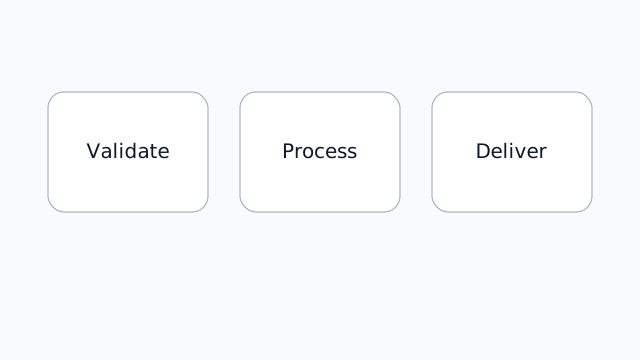
Clean labelled diagram
node ./src/cli.js examples/accessible-card.svg --format json --no-timestampThe released CLI reports zero findings for this fixture.
Inspect the clean SVG source · Inspect its JSON report

Intentionally problematic SVG
node ./src/cli.js examples/problematic.svg --format json --no-timestamp --fail-on noneThe intentionally problematic public fixture reports eight findings: two errors and six warnings. Six are static document checks; two estimated text-layout warnings need visual confirmation.
--fail-on none collects this example without failing the command; it does not make the SVG safe.
Inspect the failing SVG source

What the report can prove
The auditor reads local SVG files without executing them or making network requests, and works alongside browser, screen-reader, keyboard and visual testing. Estimated layout findings model text width without loading fonts and mark text for a visual check.
The three check families
Semantic naming, reference safety and text-layout estimates are separate questions. A passing static check still needs a rendered accessibility review.
Continue the review
Make SVG review part of a web release
Discuss an accessible web workflow with Edilec. Share only materials you are permitted to disclose.